.jpeg)
On July 2, 2026, Shopify deprecated useBuyerJourneyIntercept, the checkout UI extension API, and now recommends server-side Cart & Checkout Validation Functions instead. Checkout validation runs on Shopify's own infrastructure rather than in the customer's browser. Turkey-specific rules such as distance selling contract consent and Turkish ID number verification have to move to this new setup.
For years, we treated one method as standard in the checkout extensions we built at Nodus Works, and on July 2, 2026 it entered the deprecation process: Shopify deprecated useBuyerJourneyIntercept (and the buyerJourney.intercept mechanism underneath it), one of the most widely used APIs for checkout UI extensions. This is more than a minor API change; it marks a shift in which checkout validation moves from the browser to Shopify's own server infrastructure. It is especially critical for stores in Turkey, because local requirements (distance selling contract consent, Turkish ID/tax number verification, city/district selection) were almost always implemented with this API. Below, we explain why the old architecture fell short and walk you step by step through rolling out the transition in production without a hitch.
What Happened in a Nutshell?
On July 2, 2026, Shopify deprecated useBuyerJourneyIntercept; the recommended replacement is Cart & Checkout Validation Functions, which run on the server side. In the old method, validation logic ran in the customer's browser; in the new method, this logic runs on Shopify's own server infrastructure using WebAssembly.
The Old Method: How Did Interceptors Work?
The interceptor logic was simple: the extension would intervene when the customer clicked the "Pay" button, block progress if the conditions weren't met, and display an error next to the field.
It was an elegant design on paper. In practice, however, there are concrete, structural reasons why Shopify is retiring this API.
Why Is It Being Removed? Structural Issues with the Interceptor Architecture
1. Interceptors Don't Just Run on the "Pay" Button
This is the least known and most critical detail: interceptors can be triggered not only during a payment attempt but during every interaction within the checkout (address updates, marketing consent checkboxes, delivery method changes). This means the code you thought was a "final check before payment" is actually running repeatedly throughout the checkout session at unpredictable moments. If you perform a write operation (applyMetafieldsChange, applyAttributeChange, etc.) inside an interceptor, these writes can compete with Shopify's own actions, slowing down the checkout flow or, in edge cases, locking it up entirely.
2. The Client Side Is Not a Reliable Boundary
Interceptors run in the browser. Like everything that runs in a browser, they can encounter rendering issues on older WebKit versions, behave differently in in-app browsers (Instagram, Facebook), or be silently disabled by a JavaScript error. If the extension fails to load, there is no validation; this is usually only discovered when orders arrive with missing information.
3. Scalability and Performance
When every extension registers its own interceptor, Shopify has to run them all in sequence and consolidate the results for every checkout interaction. As the number of extensions grows, this chain gets longer. Shopify's solution is clear: run the rules in one place, on the server, using WebAssembly in milliseconds.
Critical Note: The common denominator of these three issues is that the interceptor architecture is a "local/client-side" approach. Transitioning to Validation Functions is not just about learning a new API; it means rethinking checkout validation as a "business rule that lives on the server."
Comparing useBuyerJourneyIntercept with Validation Functions
The difference between the two architectures is too fundamental to be summarized in a single line: the execution environment, the source of errors, and the deployment steps have changed from the ground up.
The New Method: What Is a Cart & Checkout Validation Function?
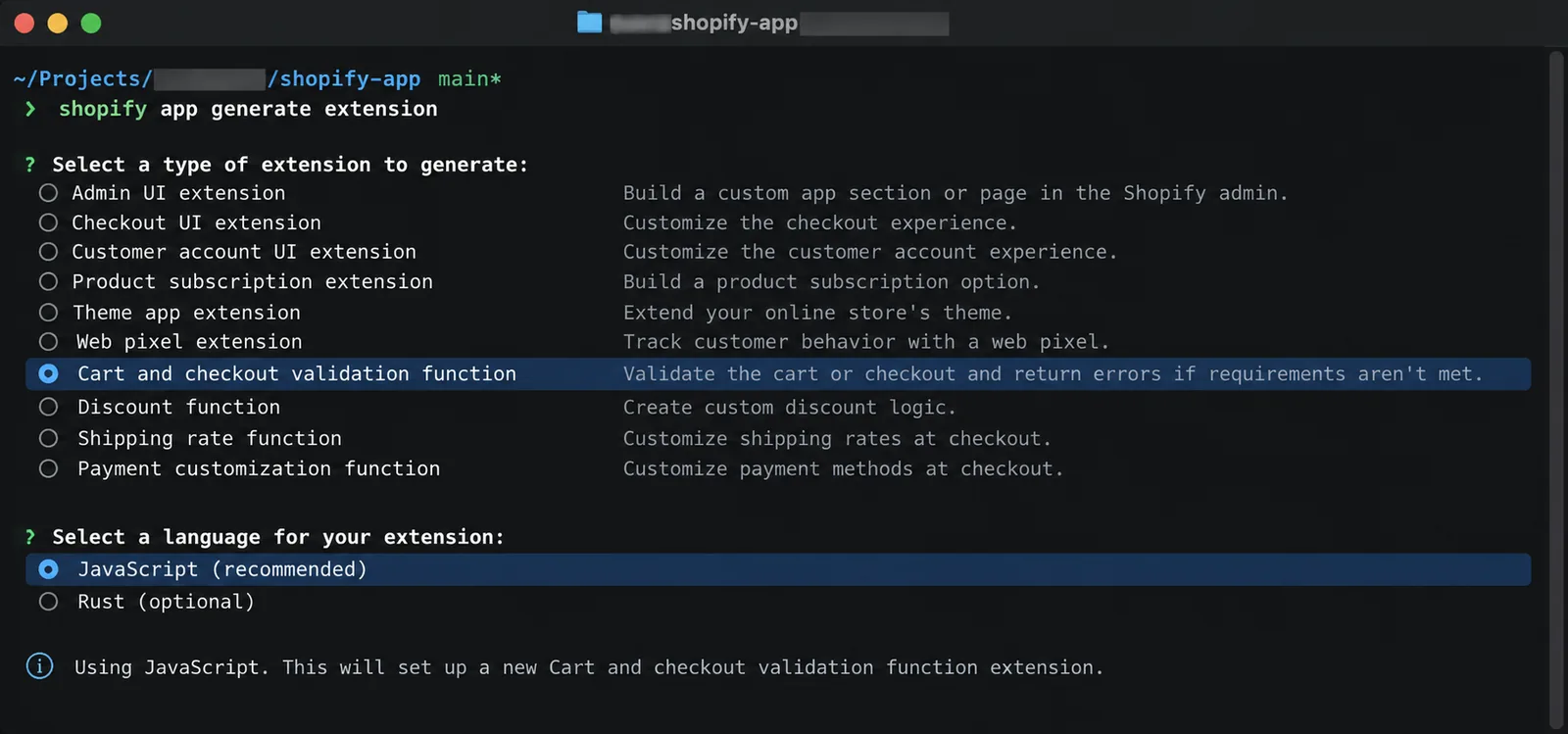
Validation Functions are small, pure functions that run on the Shopify Functions infrastructure. They take the state of the cart as input and return a list of errors. Not a single line of code runs in the customer's browser; if a rule is violated, Shopify stops the payment on the server. The target field is cart.validations.generate.run.
How Does Form Data in the UI Reach the Server?
The critical question is this: The Validation Function cannot access the browser; it only sees the cart itself. The pattern that works well in production is: the UI extension writes the validation status to the cart as an attribute, and the function reads this attribute.

This pattern has an elegant side effect: if the attribute value is not "1", the text within it is the error message shown directly to the customer. You manage error texts in one place within the UI extension; the function acts only as a carrier.
Five Critical Lessons from the Production Environment
Having implemented this transition in stores with real traffic, we are sharing five points that are not sufficiently emphasized in the documentation.
1. Validate Only at the CHECKOUT_COMPLETION Step
If you run the function at the CHECKOUT_INTERACTION step, red error banners will appear at the top of the screen as soon as the customer opens the page, before they have even touched any fields. This is a disaster for conversion rates; the step check mentioned above is not just for show, it is a necessity.
2. Debounce Attribute Writes and Eliminate Duplicates
Calling applyAttributeChange on every keystroke is the surest way to hit Shopify's change limit. Once the limit is exceeded, subsequent writes are silently dropped, and orders start arriving with missing data. A 300-500ms debounce and a "do not rewrite the same value" check are essential.
3. Skip the Rule if the Attribute is Missing (Fail-Open)
Your function should skip the rule if the attribute has not been written at all. Otherwise, in a store configuration where the relevant extension is not added to the checkout, no one will be able to pay. The function should be designed so that it cannot break anything on its own.
4. Deployment Is Not Enough: You Must Activate It from the Admin
This is the most overlooked step: after a shopify app deploy, the function does not activate itself. The store administrator must add and activate the rule from the Settings → Checkout → Checkout rules section. All tests performed without doing this will give the false impression that "everything is working." For stores that want to regularly check whether the post-deployment activation step has been skipped, our Shopify technical support and maintenance service periodically audits these types of checkout rules.

5. Error Display Is Changing: Design the Customer Experience Accordingly
Interceptors could display errors right next to the relevant field. In server-side validation, $.cart-targeted errors appear as page-level banners. The most balanced combination is to still show format errors (e.g., an ID number shorter than 11 digits) instantly on the client side next to the field, while leaving "required field empty" checks to the server.

Risk to Avoid: Be careful not to declare the "transition complete" without realizing that a deployed Validation Function has not been activated from the admin panel. This is a recurring pattern in Shopify Inbox or full-page UI extensions as well: deployment and activation are always two separate steps.
Transition Checklist
- Inventory all current useBuyerJourneyIntercept usages and block_progress permissions in your toml files.
- For each rule: what data is required, and how is this data represented as an attribute in the cart?
- Write a single function targeting cart.validations.generate.run; consolidate all rules in one place.
- Add fixture-based tests (Shopify's shopify-function-test-helpers package is designed for this): scenarios for a valid cart, missing data, and skipping at the cart stage.
- Deploy, activate the rule from the admin panel, and perform end-to-end testing on real devices.
- Only delete the interceptor code after this step.
Which Turkey-Specific Rule Maps to Which Attribute?
Three common rules implemented via interceptors in stores in Turkey can be broken down into separate attributes and consolidated into a single function as follows.
Frequently Asked Questions
When was useBuyerJourneyIntercept deprecated?
On July 2, 2026. The recommended replacement is server-side Cart & Checkout Validation Functions.
What is the main difference between a Validation Function and an interceptor?
An interceptor runs in the customer's browser and is susceptible to browser limitations (outdated WebKit, in-app browsers, JS errors). A Validation Function runs on Shopify's servers; rule violations are blocked server-side without any code running on the client side.
How does a Validation Function access form data from a UI extension?
It cannot access it directly. The UI extension writes the state to the cart as an attribute; the Validation Function reads this attribute via the input query.
Does the function become active automatically after deployment?
No. Deployment and activation are two separate steps; the store administrator must manually add and enable the rule under Settings → Checkout → Checkout rules.
Why is this change particularly important for stores in Turkey?
Local requirements such as distance selling contract consent, Turkish ID/tax number verification, and city/district selection were commonly implemented using useBuyerJourneyIntercept. Existing extensions that use these rules still work for now; however, they aren't supported in new API versions and will stop once a removal date is announced, so move the rules to a Validation Function now. If you're looking for a ready-made app for distance selling contract consent and address verification, take a look at CompliTR (https://nodusworks.com/en/apps/complitr).
When should I delete the interceptor code?
Only after you have deployed the Validation Function, activated it in the admin panel, and performed end-to-end testing on real devices. Skipping this order can create an interim period during the transition where validation does not function at all.
Conclusion
While retiring useBuyerJourneyIntercept might seem like a chore at first glance, a well-executed migration yields clearly superior results: validation is now independent of devices, browsers, and in-app browser quirks; rules are centralized and testable; the check itself runs on the server and cannot be bypassed, but because its input is an attribute written by the client, critical values should also be validated inside the function. Returning to the principle that "business logic lives on the server" for a surface like Checkout, where money changes hands, is essentially paying off a technical debt. July 2026 is here; if your interceptors are still in production, it is high time to add this migration to your sprint plan.
To migrate your checkout validation rules to Validation Functions or prepare your existing extensions for this transition, you can contact our team through our Shopify integration solutions service.





