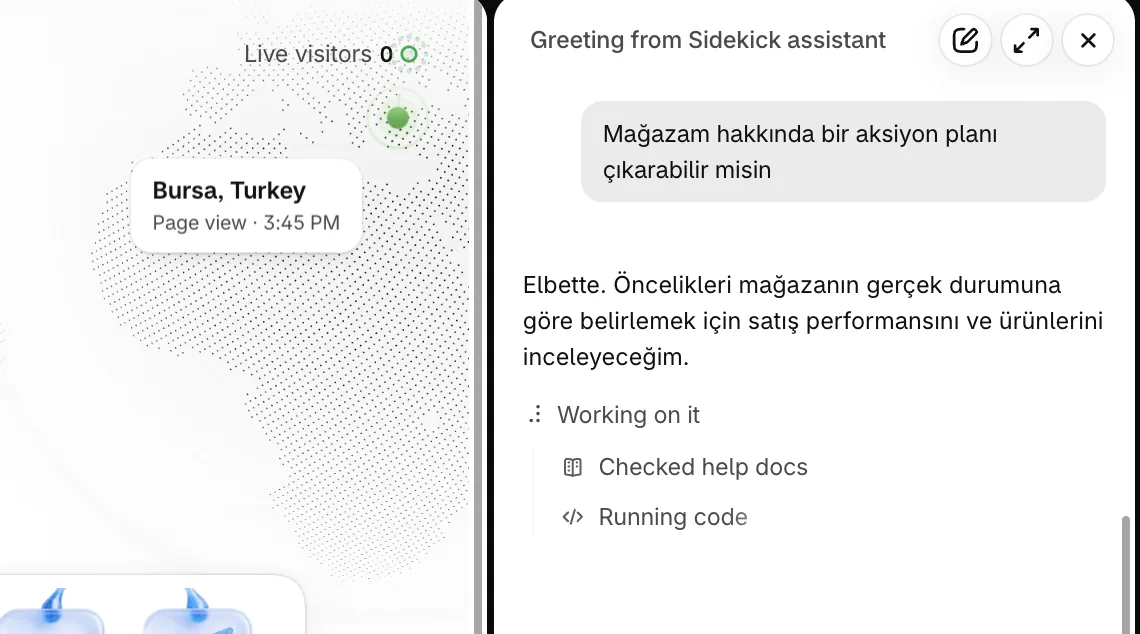
An action plan is a systematic roadmap that sets out the work needed to reach a specific goal, its order, owners, resources and timing. It matters because without one, nobody can tell which step changed what. For a Shopify store it takes five steps: set a SMART goal, break it into sub-steps, assign responsibility, define resources and set up checkpoints.
Across the Shopify projects we manage at Nodus Works, we keep running into the same problem: the store gets built, the products get uploaded, the ad budget gets spent, and six months later nobody knows which step changed what. The root cause of this uncertainty is that no action plan was set up at the start. An action plan is a systematic roadmap that makes clear the work needed to reach a specific goal, the order of that work, who owns it, the resources it requires and its timing. In e-commerce, this roadmap applies to every operational decision, from store setup to the first sale, from a seasonal campaign to an annual growth target.
What Is an Action Plan?
An action plan is a structured document that defines the steps, timeline and responsibilities needed to turn a goal into reality. It answers not only "what do I want" but also "when, how and by whom".
In e-commerce, an action plan does two jobs. The first is operational clarity: it sets which technical setup is completed in which order, when each marketing channel comes into play and when each metric is measured. The second is resource management: it directs budget, time and team capacity to the priority steps. In Shopify stores without an action plan, every decision is a reaction in the moment, which leads to wasted ad budget and missed growth opportunities.
The action plan is the final step of a brand strategy. We cover how it brings together the strategy's other four components (target audience, competitor analysis, positioning, identity) in our Master Brand Strategy guide.
Action Plan vs. Strategy vs. Roadmap: The Differences
These three terms are often confused. For a Shopify store, the difference is this:
The action plan is the most concrete layer of a strategy. Without a strategy, an action plan is a calendar with no sense of direction; without an action plan, a strategy is an intention that cannot be carried out.
Critical Note: The area where Shopify store setups are delayed most often is technical integrations (payments, shipping, ERP). Projects that clearly define their integration steps in the action plan cut setup time, because the dependencies (which integration cannot start until another one is finished) are visible in advance.
The Difference Between an E-Commerce Action Plan and a General Business Plan
An e-commerce action plan is the concrete, operational version of a general business plan. A general business plan contains market analysis and financial projections, while an e-commerce action plan focuses on platform setup, catalog management and digital marketing steps.
Three key points where a Shopify store's action plan differs from a general business plan:
Platform dependencies: On Shopify, every step depends on the one before it. For example, a payment provider will not approve your application until legal pages such as the distance sales agreement and the return policy are live on the store; and removing the store password to go live before the payment flow has been tested is risky. If this chain of dependencies is not built into the action plan, a delay in one step stalls the whole schedule.
Seasonal priority: In the e-commerce calendar, November (Black Friday), December (New Year) and Ramadan shape the decisions made throughout the year. The action plan should put these dates at the center using backward planning.
Metric-driven cycle: Shopify Analytics, Google Analytics 4 and Meta Ads Manager produce new data every day. An e-commerce action plan should include checkpoints at set intervals to review this data and update the plan.
Getting this chain of dependencies in the right order during your Shopify store setup prevents technical errors that cost time to fix later. Nodus Works' Shopify store setup service manages this sequence of steps through a standard process; every dependency is tracked against a defined delivery date.
How to Create an Action Plan for a Shopify Store
An action plan for a Shopify store has five components: a SMART goal, a task breakdown, assigned responsibilities, resource planning and checkpoints. When any of these five is missing, the plan becomes a list of intentions.
Step 1: Define Your Goal in SMART Format
The SMART framework is especially useful for e-commerce goals, because Shopify metrics (conversion rate, average order value, repeat purchase rate) let you put numbers on your goals directly.
Step 2: Break the Task Down into Sub-Steps
A single Shopify goal can turn into dozens of sub-tasks. "Improve SEO" is not concrete; "Publish 8 blog posts by August and link each one internally to 1 collection page" is concrete and actionable. Define each sub-task with these three questions:
- What is the output (deliverable) of this task?
- Which other task has to be finished before this one can start (dependency)?
- How many working days does this task take?
Step 3: Assign Responsibility
Every task on the team should have a single owner; a task with two people responsible ends up with no owner. In Shopify projects, the responsibility map is usually set up like this:
- Technical tasks (theme customization, integrations, speed optimization): Shopify developer
- Content and SEO tasks (product descriptions, blog, meta tags): Content lead
- Marketing tasks (ad setup, email flows, social media): Marketing lead
- Operational tasks (inventory management, shipping integration, customer service): Operations lead
Step 4: Define Your Resources
For each task, specify three resource items: budget (TL or USD), time (working hours) and tools/software. Common resource items in the Shopify ecosystem:

- Shopify plan fee (Turkey: Basic 27 USD/month, Grow 72 USD/month, Advanced 399 USD/month; 19/54/299 USD with annual billing)
- App subscriptions (the average Shopify store has 3-5 paid apps, 50-200 USD per month)
- Content production (copy, images, video)
- Ad budget (Meta Ads, Google Ads)
- Technical development hours
A pattern we have observed at Nodus Works: app costs are often left out of budget planning. In the first year, the amount spent on app subscriptions on top of the Shopify plan fee can turn into a bigger budget item than expected once the monthly fees are multiplied by twelve, and leaving this item out of the action plan leads to cash flow surprises. To compare plan fees against your revenue, you can use our Shopify Plan Calculator.
Step 5: Set Up Checkpoints
Checkpoints are set dates on which the plan is compared with actual performance. For a Shopify store, a three-tier review rhythm works well:
- Weekly: Completed tasks, delayed steps, new urgent issues
- Monthly: Comparison of conversion rate, sessions, revenue and CAC in Shopify Analytics
- Seasonal: Review of the whole plan; updating the goals for the next period
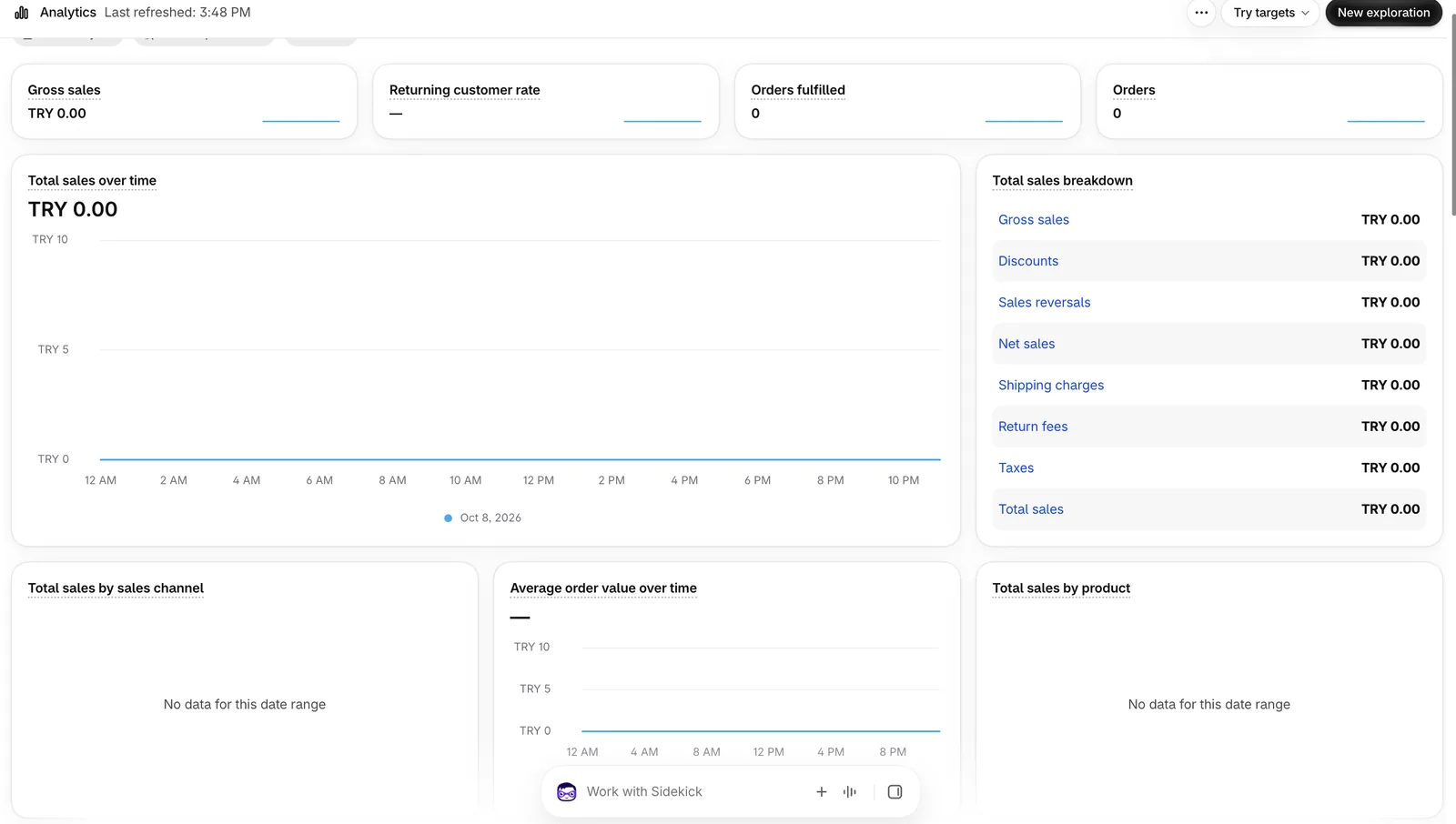
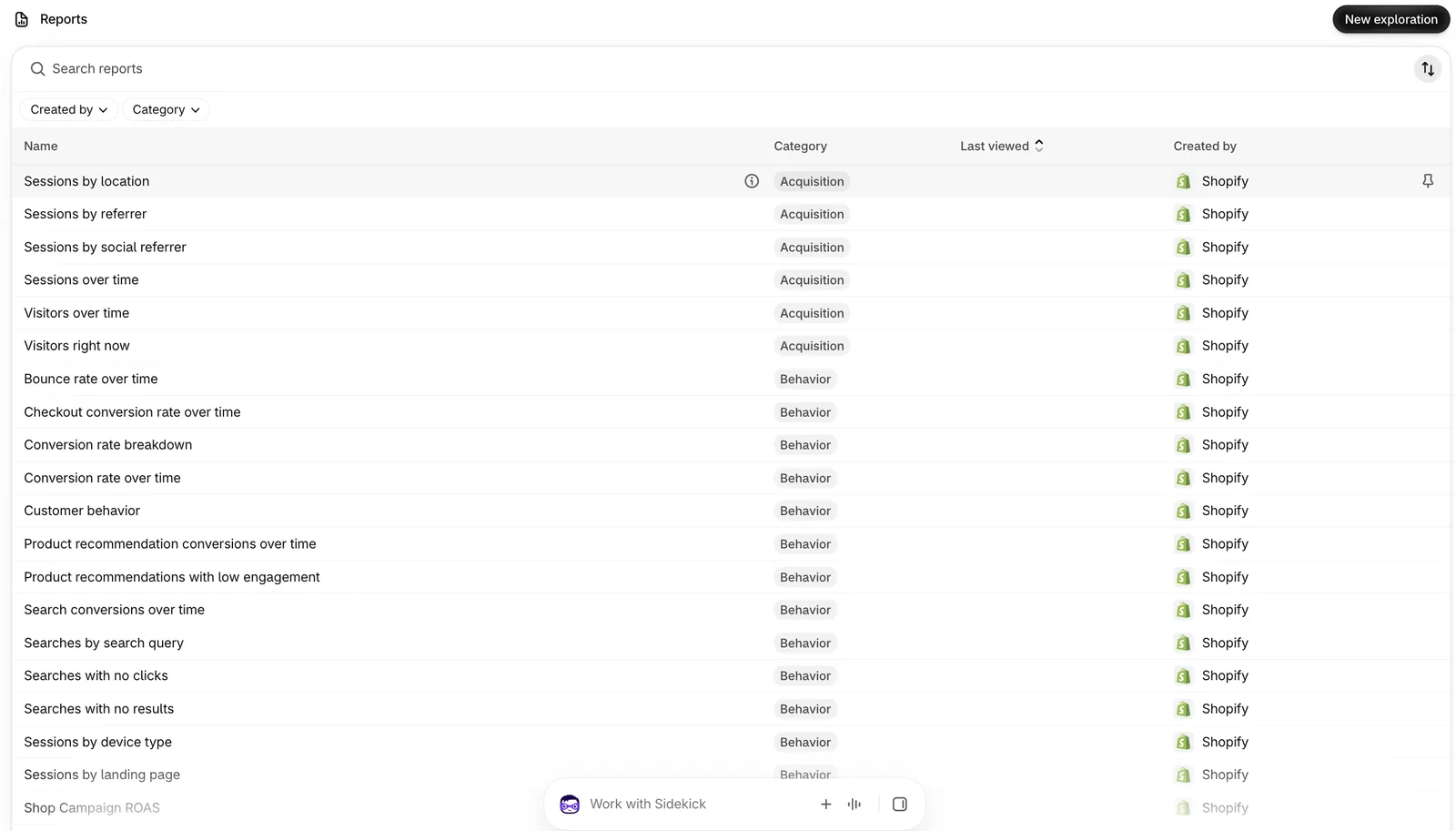
Tip: The "Reports" section in your Shopify admin is the data source for checkpoint meetings. The monthly sales comparison, the traffic source breakdown and the best-selling products report are the three core reports to read in these meetings. According to Shopify's documentation, these reports are available on all plans, including Basic.
30-60-90 Day Shopify Action Plan Template
A 30-60-90 day plan is a structured starting framework used when launching a new Shopify store or when an existing store's growth strategy changes. It gives the first 30 days to infrastructure, the second 30 days to traffic and the last 30 days to conversion.
First 30 Days: Infrastructure and Setup
The only output of this period is a store that is ready to launch and free of technical errors. Sales and marketing goals are secondary at this stage.
Technical setup (Weeks 1-2):
- Domain connection and SSL activation
- Theme selection and basic customization (logo, colors, fonts)
- Payment system integration (a payment provider that operates in Turkey, such as iyzico or PayTR, or a payment orchestration platform such as Craftgate)
- Shipping integration (MNG, which now operates as DHL eCommerce, Yurtiçi, Aras or your preferred carrier)
- Tax and invoice settings (Turkish VAT configuration)
Catalog setup (Weeks 2-3):
- Product upload and variant configuration
- Building the collection structure
- Product image optimization (minimum 1000×1000 px)
- Basic SEO: product meta titles and descriptions
Testing and launch (Week 4):
- Verifying the payment flow with a test order
- Mobile compatibility check
- Page speed test (Google PageSpeed Insights, target: 60+ on mobile)
- Legal pages: returns policy, privacy policy, terms of service
Days 31-60: Traffic and Visibility
The store is live; the goal now is to get organic and paid traffic going. Conversion rate will be low in this period, and that is normal. The real purpose of this phase is to collect data.

SEO foundations (Weeks 5-6):
- Setting up Google Search Console and Google Analytics 4
- Submitting your Shopify sitemap
- Publishing the first 3-5 blog posts (focused on target keywords)
- Building the internal linking structure
Configuring your Shopify store's SEO infrastructure correctly during setup brings the build-up of organic traffic forward by months. Nodus Works' SEO optimization service runs this process with a standard methodology, from the technical SEO audit to content planning.
Launching paid traffic (Weeks 7-8):
- Meta Ads: remarketing pixel setup and a first test campaign (daily budget of 150-300 TL)
- Google Ads: a campaign for your brand name and category keywords
- Email list building: a welcome pop-up and your first email flow
Days 61-90: Conversion Optimization
You have traffic; now you work on product pages, pricing and customer trust to turn that traffic into sales.
Conversion-focused tests (Weeks 9-11):
- Product page A/B tests: image order, headline, CTA button color
- Free shipping threshold test (the effect of "free shipping on orders over 250 TL")
- Collecting customer reviews: email review invitations to your first buyers
- Abandoned cart recovery: an automated reminder flow with Klaviyo or Shopify Email
Analysis and re-planning (Week 12):
- At the end of day 90, answer these questions:
- Has my conversion rate reached the targeted 1.5-2%?
- Which channel brings in the most traffic?
- Which product page has the highest exit rate?
- Is my CAC (customer acquisition cost) sustainable?
The plan for the next 90 days is updated based on this data. For all the technical steps to follow when setting up a Shopify store, take a look at our guide to building an e-commerce site with Shopify.
Monitoring Your Action Plan: Tracking KPIs with Shopify Analytics
Once the action plan is in motion, the real work begins: using data to find out which step is working and which one needs revising. Shopify offers an analytics setup you can use for this right away.
Core KPIs for a Shopify Store
In every action plan period (weekly, monthly or seasonal), track these metrics:
What to Do When You Spot a Deviation from the Plan
An action plan is not a fixed document; it is a framework that gets updated with real performance data. When you spot a deviation, ask three questions:

Question 1: Is it the data or the execution? If a metric is below target, first check that it is being measured correctly. Session counts can differ between Google Analytics 4 and Shopify Analytics, because the two define a session differently. If the data is reliable, look at the execution.
Question 2: Is it the forecast or the capacity? Was the goal realistic? An example we have observed at Nodus Works: for a newly opened Shopify store, targeting a 2.5% conversion rate in the first 60 days is not realistic in most categories, because the traffic has not built trust yet. In that case, revising the goal does not mean abandoning the plan; it means maturing it.
Question 3: Which step is breaking the dependency chain? Most deviations from the plan come from an earlier step that was never finished. If conversion rate is low, the product pages, customer reviews or shipping policy may not be complete yet. Address the root cause, not the symptom.
Tip: The "Total sales by referrer" report in Shopify's "Reports" section shows clearly which channel generates revenue. Bring this report to your monthly checkpoint meeting; when ad budget decisions are based on this data, waste is kept to a minimum.
When Should You Revise the Whole Action Plan?
Update the entire action plan in three situations:
- A dramatic change in the target market or category (a competitor closing, new regulation, a seasonal shift)
- A change in the store's growth stage (moving from 0-1M TL to 1-5M TL requires different operational capacity)
- A fundamental change in platform architecture (migrating to Shopify, upgrading to Shopify Plus, a new marketplace integration)
When your growth stage changes, our Shopify conversion optimization guide offers a reference starting point for the next stage's action plan.
FAQ: Frequently Asked Questions
Q: What is the difference between an action plan and a to-do list?
A: A to-do list lines up tasks; an action plan assigns an owner, resources and a time frame to each task. For a Shopify store, the difference looks like this: "do the iyzico integration" is a to-do list item; "the iyzico integration will be completed by the developer between 10 and 12 July, prerequisite: Shopify Basic plan active" is an action plan item.
Q: How detailed should an action plan for a Shopify store be?
A: The level of detail depends on team size. For one-person stores, a weekly task list is enough. For teams of 3 or more, assigning responsibility and mapping dependencies becomes essential; otherwise the same task gets done twice or not at all.
Q: Is the 30-60-90 day plan only for new stores, or does it work for existing stores too?
A: It works for both. New stores follow the infrastructure, traffic, conversion sequence. For existing stores, the first 30 days are set up as an audit and gap analysis, the second 30 days as priority improvements and the last 30 days as measurement and reporting.
Q: Which tool should you use to manage your action plan?
A: For a Shopify store, there are three options depending on team size: for one-person operations, Notion or Google Sheets is enough. For teams of 3-10, Trello or Asana speeds up task tracking. For teams of more than 10, Linear or Jira is recommended for their dependency mapping features. Shopify itself is not a task management tool; you need a third-party tool for this.
Q: How should conversion optimization fit into my action plan?
A: Conversion optimization is not a single step; it is a continuous cycle. In the action plan it appears like this: a monthly A/B test task, a checkpoint to evaluate the test and implementation based on the result. Our Shopify conversion optimization guide explains step by step how to set up this cycle for your store.
Q: How do you create an action plan for a Shopify store?
A: An action plan for a Shopify store is built in five steps: defining a SMART goal, breaking the task down into sub-steps, assigning an owner to each task, planning resources (budget, time, tools) and setting weekly and monthly checkpoints. For new stores, the 30-60-90 day framework gives the first 30 days to infrastructure, the second 30 days to traffic and the last 30 days to conversion optimization.
Q: What is an action plan?
A: An action plan is a systematic roadmap that makes clear the tasks needed to reach a specific goal, the order of those tasks, who owns them, the resources they require and their timing. In e-commerce, an action plan structures every operational decision, from store setup to campaign management, from SEO work to conversion testing.
Q: What is a 30-60-90 day plan for?
A: A 30-60-90 day plan splits the launch of a new Shopify store into three phases: technical infrastructure and catalog setup in the first month, launching traffic and SEO foundations in the second, and conversion optimization and analysis in the third. Each phase ends with a review point, and the next phase is updated based on the data.
Conclusion
An action plan is how you tie your Shopify store's growth to measurable steps instead of leaving it to chance. The 30-60-90 day framework gives you a template to start with; monthly checkpoints keep the plan alive and up to date. The next step is not writing the plan, but making the task list for the first 30 days concrete and giving every task an owner.
If you would like professional support in building a setup or growth action plan for your Shopify store, get in touch.





